Short answer: start by checking whether your home plan already includes useful Korea roaming. Otherwise, compare an eSIM or physical SIM for an individual connection, or pocket WiFi for people who stay together. Keep free WiFi as a backup rather than assuming it will follow you down every street.
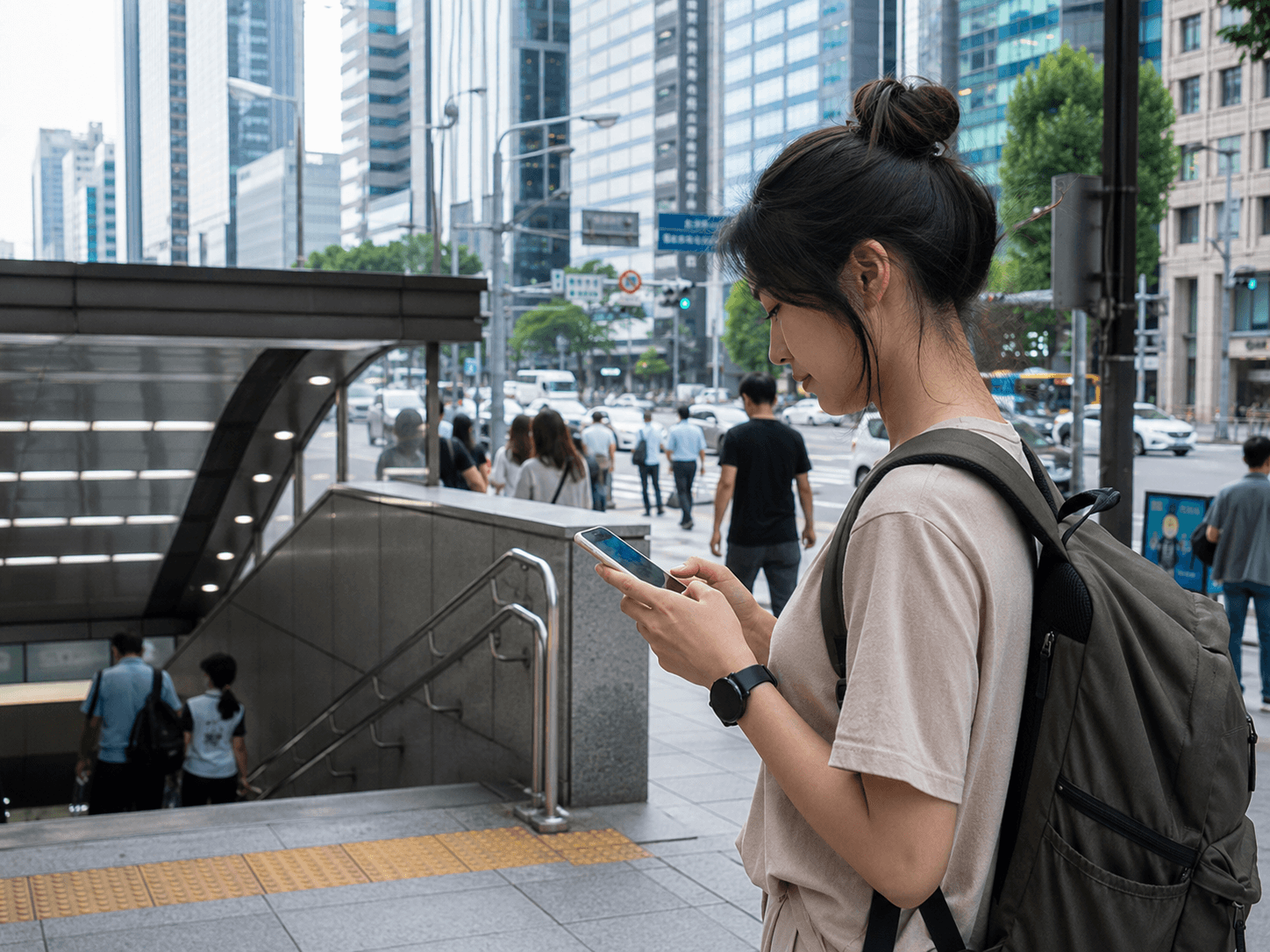
Korea is very well connected, but “there is WiFi everywhere” is not the same as “WiFi will appear exactly when I am standing outside the wrong subway exit.” Mobile data turns maps, translation, taxi apps, train bookings, and hotel messages into useful tools instead of decorative icons.
This guide helps you choose the connection method. For plan-level details, continue to our dedicated Korea eSIM guide or Korea SIM card guide.
Reviewed October 5, 2026. This is planning guidance, not a live checkout quote or a hands-on network speed test. Confirm device support, final charges, activation rules and any calling or pickup requirements for the exact product you choose.
Table of contents
Best Internet Option by Traveler
| Traveler | Best option | Main trade-off |
|---|---|---|
| Solo traveler or couple | eSIM | Phone must support eSIM and be unlocked |
| Phone without eSIM support | Physical SIM | Card swap or airport/store pickup |
| Family or group staying together | Pocket WiFi | One device must be charged, carried, and returned |
| Very short trip with a generous home plan | International roaming | Check included coverage, allowances and full-trip cost |
| Emergency backup or very light use | Free WiFi | Coverage disappears between locations |
Our default recommendation: choose an eSIM if your phone supports it. Choose a physical SIM if it does not or if a specific visitor SIM offers the Korean-number features you need. Choose pocket WiFi only when several people will genuinely share it.
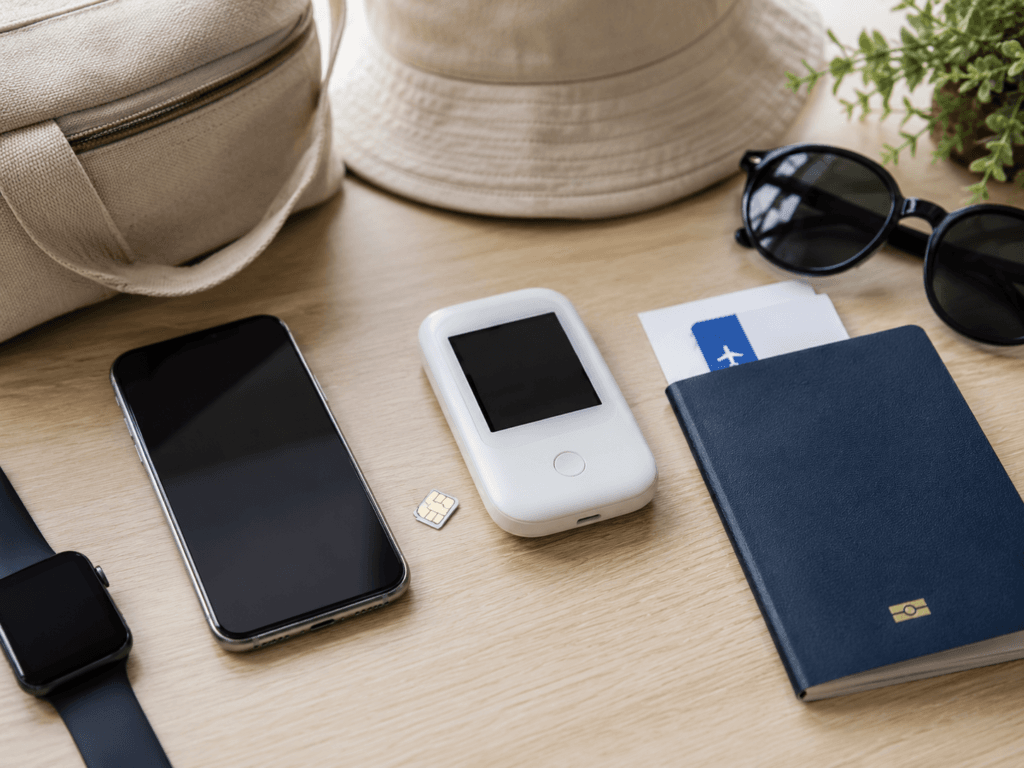
Four Ways to Get Online in Korea
1. eSIM: easiest for most travelers
An eSIM is a digital SIM profile installed with a QR code, app, or provider activation method. It lets many travelers keep their home SIM in the phone while using a separate line for Korean mobile data.
- Best for: solo travelers, couples, short trips, and anyone who wants data ready on arrival.
- Check: device compatibility, carrier lock, activation timing, hotspot rules, and high-speed allowance.
- Watch for: many inexpensive plans are data-only and do not provide a usable Korean phone number.
Read Best eSIM for Korea 2026 for setup instructions and the difference between a tourist number and identity-verified Korean mobile service.
2. Physical SIM: practical and still useful
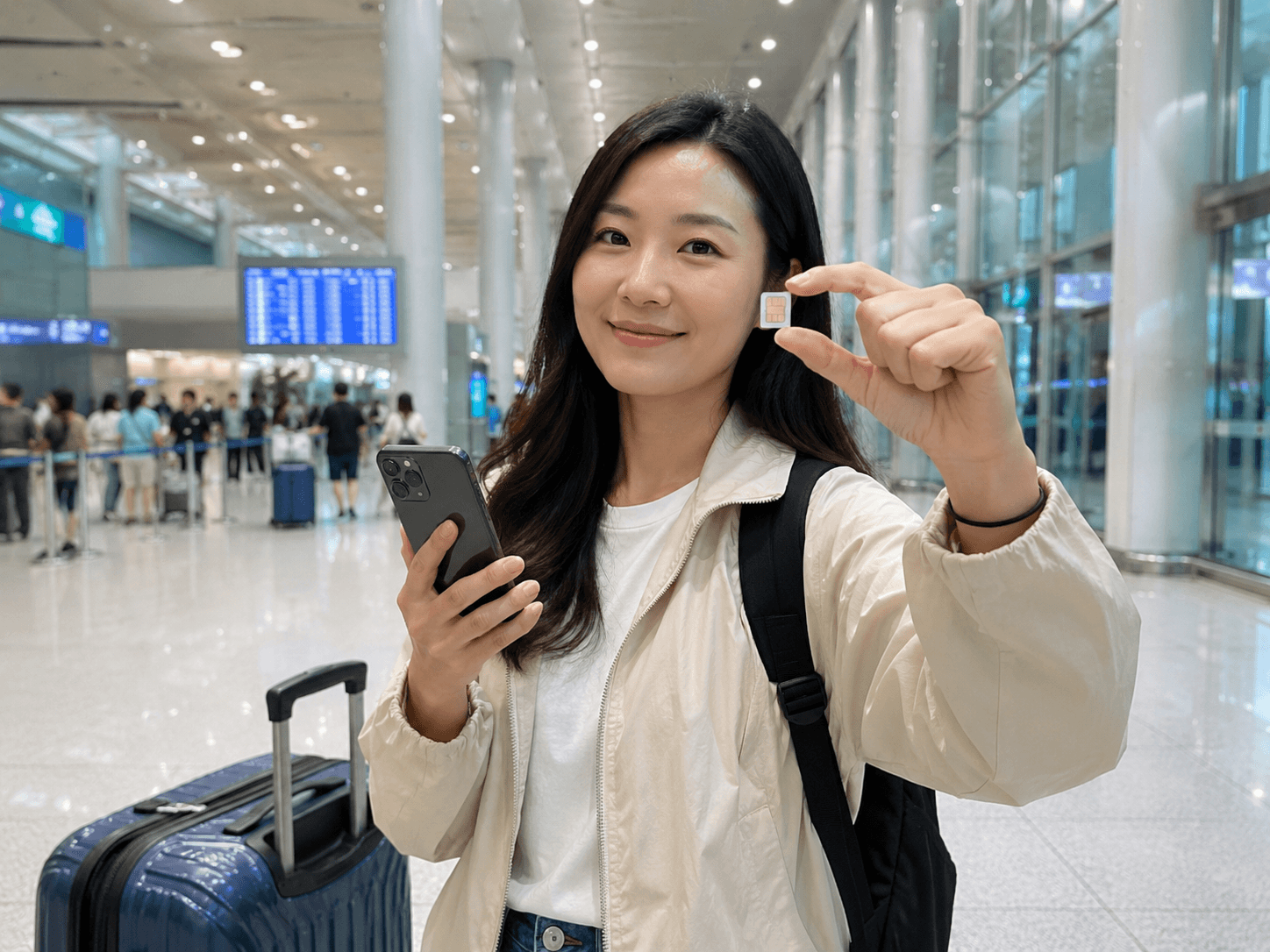
A physical SIM is the straightforward alternative when your phone lacks eSIM support or you prefer help at a counter. Korea’s major airports have carrier roaming centers, and visitor SIM products are also sold through approved online and retail channels.
- Best for: older phones, travelers who want in-person setup, and plans with useful voice/SMS conditions.
- Check: unlocked phone, SIM size, pickup hours, passport requirements, and whether the plan includes outgoing calls.
- Watch for: store availability and product features vary; a phone number does not automatically unlock resident-only verification.
3. Pocket WiFi: useful for the right group
Pocket WiFi—sometimes called a WiFi egg—is a small rented router. Several phones or tablets can connect to it, so it can be economical for a family or group traveling on the same schedule.
- Best for: families, small groups, and multiple devices.
- Check: simultaneous-device limit, daily speed policy, battery life, deposit, pickup, and return location.
- Watch for: everyone loses internet when the router owner wanders off to inspect a “quick” souvenir shop.
Bring a power bank. Pocket WiFi with an empty battery is simply a smooth plastic paperweight.
4. International roaming: check what you already have
Your home carrier may offer a travel pass or include Korea in an international plan. This avoids installing or collecting anything and keeps your normal number working as usual.
Compare the full-trip cost, daily data allowance, reduced-speed policy, and calling terms. Roaming can be reasonable for a one- or two-day stop, but convenience should be an informed purchase rather than a surprise on next month’s bill.
Can You Rely on Free WiFi?

Free WiFi is common at airports, many subway and train stations, hotels, cafes, and some public spaces. It is excellent for large downloads, photo backup, or saving mobile data.
It is not a dependable primary plan for every itinerary. You may need data while walking between stations, changing a bus route or finding a rural guesthouse. VISITKOREA lists public WiFi in airports, stations and selected public locations, but that does not establish continuous coverage along your route.
Where free WiFi is most useful
- Airports while installing or troubleshooting a travel eSIM
- Hotels for backups, streaming, and app updates
- Cafes when planning the next part of the day
- Stations and public facilities as a temporary connection
Public WiFi safety
- Confirm the network name with staff or official signs.
- Avoid banking or sensitive account changes on an unfamiliar open network.
- Use secure websites and keep your device software updated.
- Turn off automatic connection and file sharing when you finish.
How Much Data Do You Need?
| Use style | Planning estimate | Typical activity |
|---|---|---|
| Light | 500 MB–1 GB per day | Maps, messages, occasional searches |
| Average | 1–2 GB per day | Navigation, social media, photos, short video |
| Heavy | 3 GB+ per day or unlimited | Streaming, hotspot, cloud backup, frequent uploads |
These are comfortable planning estimates, not guarantees. Automatic photo backup and video use matter more than the number of map searches. If your plan has a daily high-speed allowance, check the speed after that allowance is used; “unlimited” does not always mean unlimited full speed.
Do You Need a Korean Phone Number?
Most short-term visitors can travel with data only. Naver Map, Papago, messaging apps, hotel platforms, and many booking services work over mobile data.
A Korean number can help with local callbacks, restaurant queues, or certain reservations. However, some services require a number tied to Korean identity verification, and a tourist SIM or eSIM may not satisfy that requirement. Check the exact voice and SMS conditions before buying rather than assuming every local-looking number behaves the same way.
Where to Buy or Collect Service
VISITKOREA lists local-carrier roaming centers at major airports and notes online reservation and physical SIM collection options. Check your selected operator’s actual service point and hours, rather than assuming every provider serves every airport. A physical SIM needs collection or delivery; a rented router also needs a workable return plan.
Some eSIM profiles are delivered digitally before departure; products with calling or verification requirements may still involve a counter visit. Save the order number, selected terminal and support contact offline. Arrival halls are not the ideal place to begin an email archaeology project.
Compare Current Offers
The links above are optional affiliate links: we may earn a commission at no extra cost to you. Compare the entire trip cost, actual seller, coverage, device support and cancellation terms before paying. They are shopping options, not hands-on test results or a ranking.
Set Up Before Your Flight
- Confirm your phone is unlocked and supports the chosen SIM type.
- Save the QR code, voucher, order number, and provider support details offline.
- Install essential Korea travel apps and sign in where possible.
- Save your hotel name, Korean address, and first airport route.
- Pack a charging cable and power bank, especially for pocket WiFi or heavy navigation use.
- Understand exactly when the plan’s validity begins.
If Your Internet Does Not Work
- Use airport or hotel WiFi while troubleshooting.
- Confirm the travel line or physical SIM is enabled.
- Select it as the mobile-data line.
- Follow the provider’s roaming and APN instructions.
- Toggle airplane mode and restart the phone or pocket WiFi.
- Contact the seller before deleting an eSIM profile; many QR codes are single-use.
Frequently Asked Questions
Is free WiFi enough for a Korea trip?
It can work for an extremely light itinerary, but most travelers will be more comfortable with mobile data. WiFi is common inside many venues but unreliable between them.
Is pocket WiFi cheaper than eSIM?
There is no fixed winner. Compare the full rental cost, any deposit or loss charges, battery needs and return logistics with individual mobile plans. A router may save a group money, but sharing becomes less convenient when people split up.
Can I keep my home SIM active?
Often yes with a dual-SIM phone. Set the Korea connection as the data line and review roaming settings on the home line to avoid unexpected charges.
Which network is best in Korea?
SK Telecom, KT, and LG U+ are Korea’s major mobile networks. For a typical tourist route, plan terms, device compatibility, support, and speed policy are usually more useful comparison points than choosing by logo alone.
Sources and Product Checks
- VISITKOREA: communications, SIM cards, and public WiFi
- SK Telecom visitor eSIM, SIM, and WiFi router
- KT visitor eSIM, SIM card, and WiFi router
- LG U+: carrier-operated visitor products
Final Recommendation
Check useful Korea coverage in your home plan first. If you need a separate connection, choose a supported eSIM for a digital setup, a physical SIM for compatible hardware or counter help, or pocket WiFi for a group that will genuinely stay together. Compare the total cost and practical limits, and keep free WiFi as backup.
The best Korea internet setup is the one you stop thinking about after landing. It connects, the maps load, and the rest of the trip gets your attention instead.
Review scope: practical visitor and device guidance was checked against the linked tourism, carrier or manufacturer material on October 5, 2026. Prices, stock and checkout availability are not guaranteed. Follow the seller’s current terms for your exact package; this is not a hands-on product review.