Affiliate disclosure: This guide may contain affiliate links. If you book through them, we may earn a small commission at no extra cost to you. Learn more.
Short answer: buy a physical Korea SIM card if your phone does not support eSIM, you prefer setup help at an airport counter, or the SIM product offers the Korean-number and voice features you need. If your unlocked phone supports eSIM and you only need data, an eSIM is usually easier.
A SIM card is not the most exciting souvenir from Korea. It is tiny, easy to lose, and looks terrible next to a palace photo. Still, it can make the first day much easier when maps, translation, taxi apps, and hotel messages work as soon as you leave the airport.
This guide focuses on physical tourist SIM cards. For digital plans, read our Korea eSIM guide. For a wider comparison with pocket WiFi and roaming, use the Korea internet guide.
Reviewed October 5, 2026. This is planning guidance, not a live checkout quote or a hands-on network speed test. Confirm device support, final charges, activation rules and any calling or pickup requirements for the exact product you choose.
Table of contents
Who Should Buy a Physical SIM?
| Your situation | Best fit | Why |
|---|---|---|
| Phone has no eSIM support | Physical SIM | It may be your simplest local-data option |
| You want staff to install and test it | Airport-counter SIM | A person can help before you leave arrivals |
| You need a Korean callback number | Voice/SMS-capable visitor SIM | Data-only plans may not provide usable calling features |
| You only need maps and messages | eSIM or data SIM | Choose by device support, price, and setup preference |
| Your phone has no physical SIM tray | eSIM | A plastic SIM cannot negotiate with missing hardware |
Our recommendation: choose a physical SIM for a clear reason—device compatibility, in-person help, or a specific number/voice feature. Do not choose it simply because “SIM card” sounds more familiar.
Already Decided on a Physical SIM?
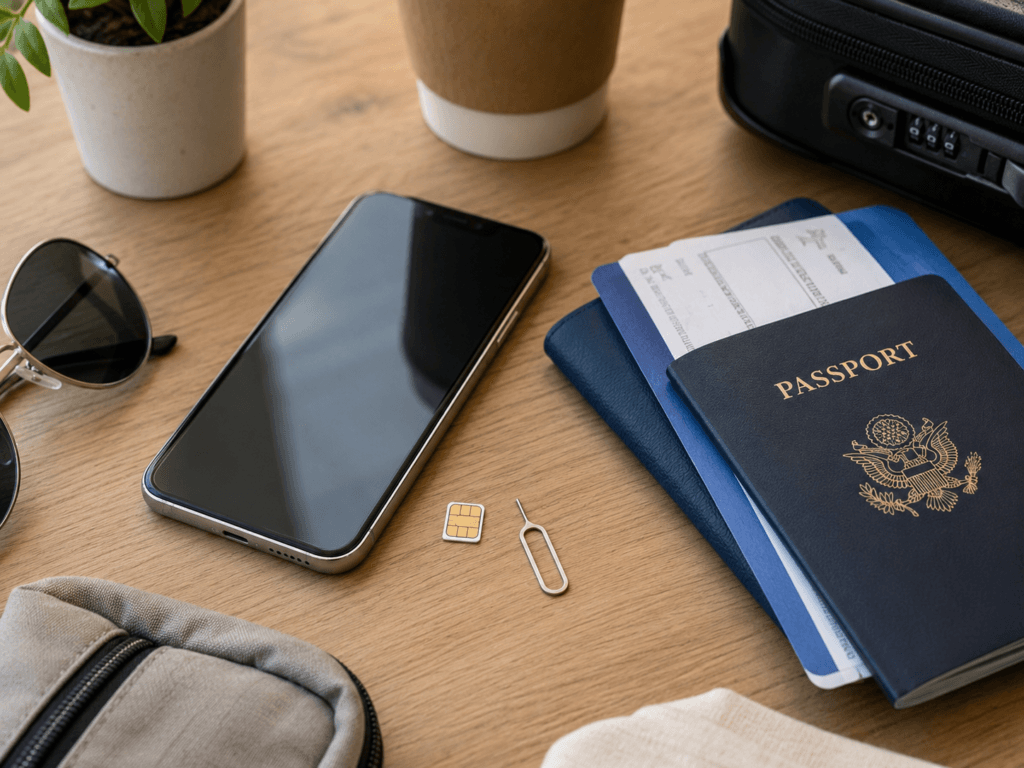
Keep this page for the physical-card checklist, collection and installation. If you are still choosing a connection method, start with the internet options comparison. If your phone supports a digital plan and you want that setup instead, use the eSIM selection and setup guide. Neither format is inherently faster; the actual network and plan matter more than plastic versus pixels.
Eight Things to Check Before Buying
- Unlocked phone: a carrier-locked device may reject a Korean SIM.
- Physical SIM tray: some phone versions have no tray even when the model name looks familiar.
- SIM size: most modern phones use nano-SIM, but confirm your device.
- Plan duration: check whether validity uses calendar days or exact 24-hour periods.
- Speed policy: “unlimited” may still include a maximum speed or a reduced speed after a high-speed allowance.
- Hotspot: confirm whether tethering is allowed and whether it has a separate limit.
- Number and calls: check incoming calls, incoming texts, outgoing credit, and passport verification separately.
- Pickup and refund: verify terminal, counter hours, required documents, unopened-package rules, and support contact.
Take a screenshot of the product details before travel. “I am sure it said calls were included somewhere” is not especially persuasive to a tired airport counter.
Korean Phone Number: What It Can and Cannot Do
Some visitor SIMs provide a Korean number. That number can be useful for receiving a local callback, joining some restaurant queues, or giving a hotel or activity provider a contact number.
However, three features must be checked separately:
- Incoming calls and texts: available only if the product includes them and any required passport check is complete.
- Outgoing calls and texts: may require a separate recharge or may not be supported by that plan.
- Korean identity verification: a tourist number generally does not equal a resident identity-linked mobile account.
Check the exact product rather than relying on its carrier logo. LG U+’s own visitor SIM page distinguishes data from calling features and does not support banking or government mobile identity verification. Passport registration for a visitor product and resident identity-linked authentication are different things. Ask the seller whether your required incoming texts and outgoing calls are included, need verification or need extra credit.
If a restaurant simply wants a callback number, a visitor number may help. If a banking or membership app requires resident verification, the same number may be greeted with the digital equivalent of a firmly closed door.
Passport Verification
Passport verification is normal for visitor products that enable phone or text functions. The timing and method depend on the carrier and plan.
Follow your provider’s own verification instructions and voucher. If calls or texts are important, ask when those functions become usable, what documents are needed and whether the verification method is online or at a counter. Completing immigration does not, by itself, mean every calling function has been enabled.
- Use the passport belonging to the SIM user.
- Keep the order or contract number available.
- Do not assume a data-only plan can be upgraded to full calling later.
- Confirm whether verification is online, at an airport counter, or both.
Where to Buy and Pick Up a SIM
Airport roaming counters
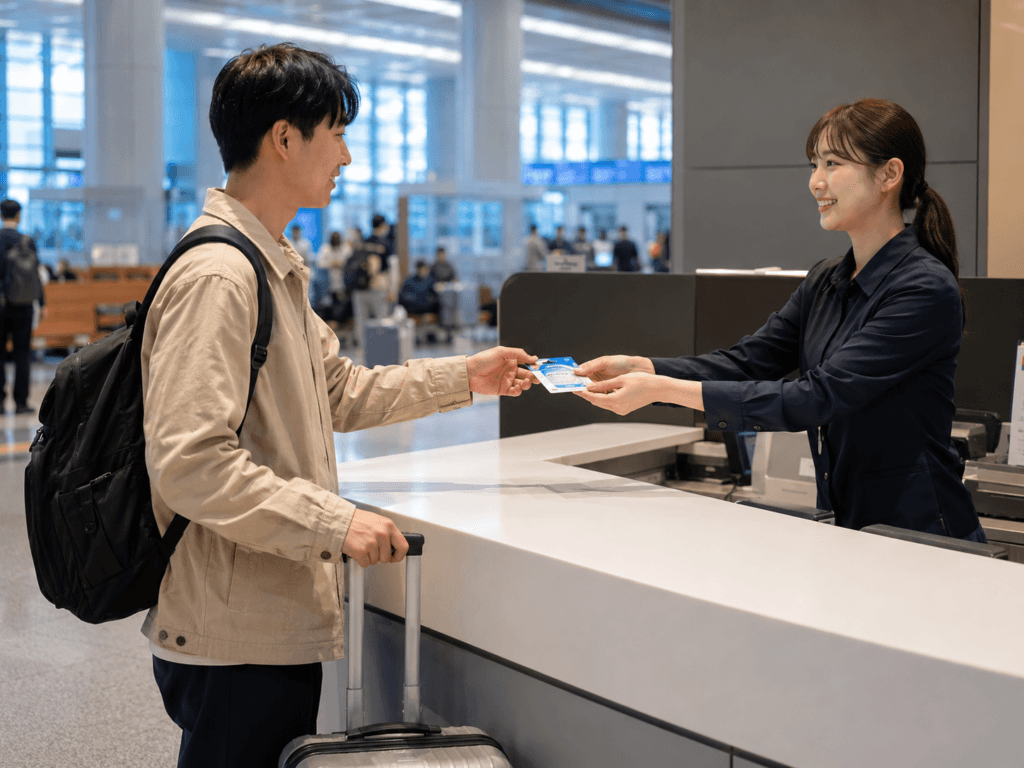
Major Korean airports have carrier roaming services. VISITKOREA lists roaming centers at Incheon, Gimpo, Gimhae, and Jeju international airports. Buying online for airport pickup can secure the product while still giving you access to staff assistance.
Check the exact terminal and counter. Incheon Terminal 1 and Terminal 2 are not neighboring checkout lanes; discovering the wrong one after baggage claim is a fairly ambitious first-day walking tour.
Convenience stores and city retailers
VISITKOREA notes that tourist SIMs can also be sold through selected airport convenience stores and retailers in major cities. Availability, registration, and staff support vary by location, so this works better as an option than as a promise.
Online reservation
Online booking lets you compare duration and features before flying. Read the pickup instructions carefully, especially the airport, operating hours, voucher name, passport requirement, and accepted payment method.
Optional affiliate link: compare Korea SIM card options. We may earn a commission at no extra cost to you. Check the actual seller, pickup arrangements and final terms; a booking listing is not proof that every carrier product has the same features.
Which Korean Carrier Should You Choose?
SK Telecom, KT, and LG U+ are Korea’s major mobile networks and all serve international visitors through relevant products or roaming channels. For a typical tourist route, the most useful comparison is usually the plan rather than the logo.
| Compare this | Why it matters |
|---|---|
| Pickup airport and counter hours | The best plan is not helpful at a closed or distant counter |
| Data speed and fair-use policy | “Unlimited” plans can have different speed rules |
| Incoming and outgoing functions | A Korean number does not guarantee every call/text feature |
| Passport-verification method | It affects when calling and texting become available |
| Hotspot support | Important for laptops, tablets, or a travel partner |
| Support language and contact | Useful when activation does not go as planned |
Avoid declaring one carrier universally “best.” Seoul, Busan, and Jeju itineraries are not laboratory tests, and a better refund rule can matter more than a theoretical speed difference you never notice.
How to Install a Physical SIM
- Connect to airport WiFi and save your original SIM safely.
- Turn the phone off before removing the SIM tray.
- Insert the Korean nano-SIM in the correct orientation.
- Restart the phone and wait for the Korean network name.
- Select the new SIM for mobile data if your phone has dual-SIM settings.
- Apply the provider’s APN or roaming instructions if required.
- Test a webpage, map search, and any included call or text function before leaving the counter.
Keep the home SIM in a small labeled case. A loose nano-SIM has a remarkable talent for disappearing into the exact pocket you already checked twice.
Common Mistakes
- Buying before confirming the phone is unlocked.
- Assuming every phone version has a physical SIM tray.
- Opening the package before checking refund and compatibility rules.
- Confusing a Korean number with resident identity verification.
- Assuming “unlimited” means unrestricted maximum speed.
- Expecting outgoing calls without checking recharge conditions.
- Leaving the airport without testing data.
- Forgetting where the home SIM was stored.
Frequently Asked Questions
Does a tourist SIM include a Korean number?
Some do, but the usable features vary. Confirm incoming calls, texts, outgoing credit, and passport-verification requirements on the exact plan.
Can I use a tourist number for Korean verification?
Usually not for services requiring a resident identity-linked mobile account. A number can still be useful for callbacks and some travel services.
Can staff install the SIM for me?
Airport carrier counters commonly assist with installation and activation for their products. Ask them to test data and any purchased calling functions before you leave.
Does a tourist SIM work as a transit card?
Do not assume so. Some promotions may include a separate transportation card, but the SIM itself and your phone’s NFC do not automatically replace a T-money card. Check the product wording and read our T-money guide.
How much data should I buy?
Most travelers use data for maps, translation, messaging, and bookings. Heavy video, hotspot, and cloud backup use require more. See the estimates in our internet guide.
Sources and Product Checks
- VISITKOREA: mobile service, airport counters, and SIM retail information
- SK Telecom visitor service: check the selected SIM
- SK Telecom: follow the voucher for passport verification
- KT visitor SIM and airport service
- LG U+: carrier-operated visitor SIM information
Final Recommendation
Choose a physical Korea SIM when your phone needs one, you value airport setup help, or a specific visitor plan provides the number and calling features you want. Otherwise, a data eSIM is usually the cleaner option.
Whichever format you choose, verify the phone, plan, passport rules, hotspot policy, and pickup details before departure. Then test the connection at the airport and let the SIM return to its proper role: quietly working while you pay attention to Korea.
Review scope: practical visitor and device guidance was checked against the linked tourism, carrier or manufacturer material on October 5, 2026. Prices, stock and checkout availability are not guaranteed. Follow the seller’s current terms for your exact package; this is not a hands-on product review.