Affiliate disclosure: This guide may contain affiliate links. If you book through them, we may earn a small commission at no extra cost to you. Learn more.
Short answer: choose an eSIM your exact unlocked phone and seller support, then check when its validity starts, how much high-speed data you get and whether it allows hotspot. If calls or a Korean number matter, compare those features separately. “Best” here means best suited to your needs, not a measured winner across every provider.
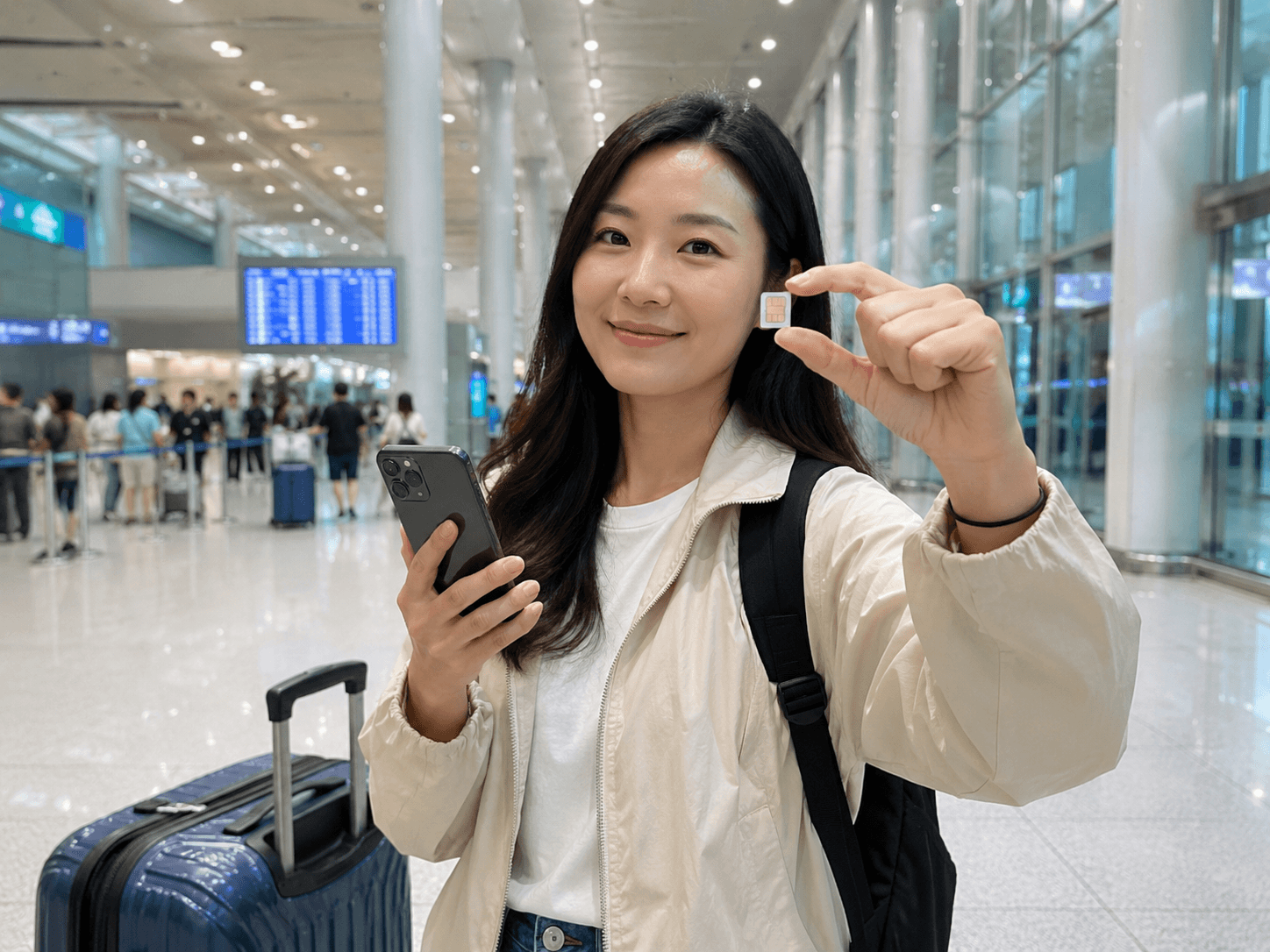
An eSIM is not the glamorous part of planning Korea. Nobody comes home raving about the QR code. But the moment you land at Incheon Airport and Naver Map works before your suitcase appears, it starts to feel like an excellent life decision.
This guide covers digital-plan selection, installation and troubleshooting. For physical-card collection, use our SIM pickup and installation guide. For pocket WiFi, roaming and a broader decision, start with the internet method comparison. There is no universal winning plan, and we have not run comparative carrier speed tests.
Reviewed October 5, 2026. This is planning guidance, not a live checkout quote or a hands-on network speed test. Confirm device support, final charges, activation rules and any calling or pickup requirements for the exact product you choose.
Table of contents
The Best Choice in 30 Seconds
| Traveler | Best fit | What to check |
|---|---|---|
| Most 3–10 day visitors | Korea data-only eSIM | Activation timing, hotspot, high-speed allowance |
| Anyone needing a Korean number | Local-carrier visitor eSIM | Voice/SMS included, passport verification, outgoing-call credit |
| Korea plus Japan, Taiwan, or another country | Regional Asia eSIM | Every country listed, one shared data allowance, top-up support |
| Families staying together | One eSIM with hotspot or pocket WiFi | Tethering limits, battery life, whether the group may split up |
| Phone without eSIM support | Physical SIM | Unlocked device, SIM size, pickup location |
Our practical pick for most travelers: choose a Korea-only data eSIM on a major Korean network, with hotspot allowed and validity beginning on first connection in Korea. Five minutes spent reading the small print is more useful than five hours comparing nearly identical “unlimited” banners.
You can compare Korea eSIM plans here. This is an affiliate link, so Korea Travel Lab may earn a small commission at no extra cost to you.
Which Korea eSIM Type Should You Buy?
Best for most short trips: data-only Korea eSIM
A data-only eSIM is usually the easiest choice if you mainly need maps, messages, translation, ride-hailing, and booking apps. WhatsApp, iMessage, FaceTime, LINE, and KakaoTalk can continue working over data.
- Choose Korea-only coverage for a Korea-only trip.
- Check whether “unlimited” means full speed all day or a daily high-speed allowance followed by reduced speed.
- Confirm hotspot or tethering if you plan to connect a laptop or another phone.
- Prefer a plan that starts when it first connects in Korea, not when the QR code is installed.
Best when you need a Korean number: local-carrier visitor eSIM
SK Telecom, KT, and LG U+ sell connectivity products for foreign visitors. The exact package matters more than the logo: some are data-only, while others support calls or texts after passport verification or an additional voice/text charge.
A local number does not automatically require a plastic SIM. LG U+’s carrier-operated eSIM page separates data and voice options, notes that outgoing calls/texts depend on the selected package, and distinguishes app SMS checks from banking or government identity verification. Check delivery and passport requirements too: a digital SIM profile does not guarantee that every voice product can be obtained without visiting a counter.
A Korean number can help with restaurant waitlists or businesses that want a callback number. It does not automatically mean you can pass Korean identity verification. A tourist number and a resident identity-linked phone account are different things.
Best for a multi-country trip: regional Asia eSIM
A regional plan is convenient when Korea is one stop on a longer trip. Check the country list carefully; “Asia” is a cheerful word that does not always include the exact places on your itinerary. Also compare the shared allowance with buying separate local plans.
What Is an eSIM?
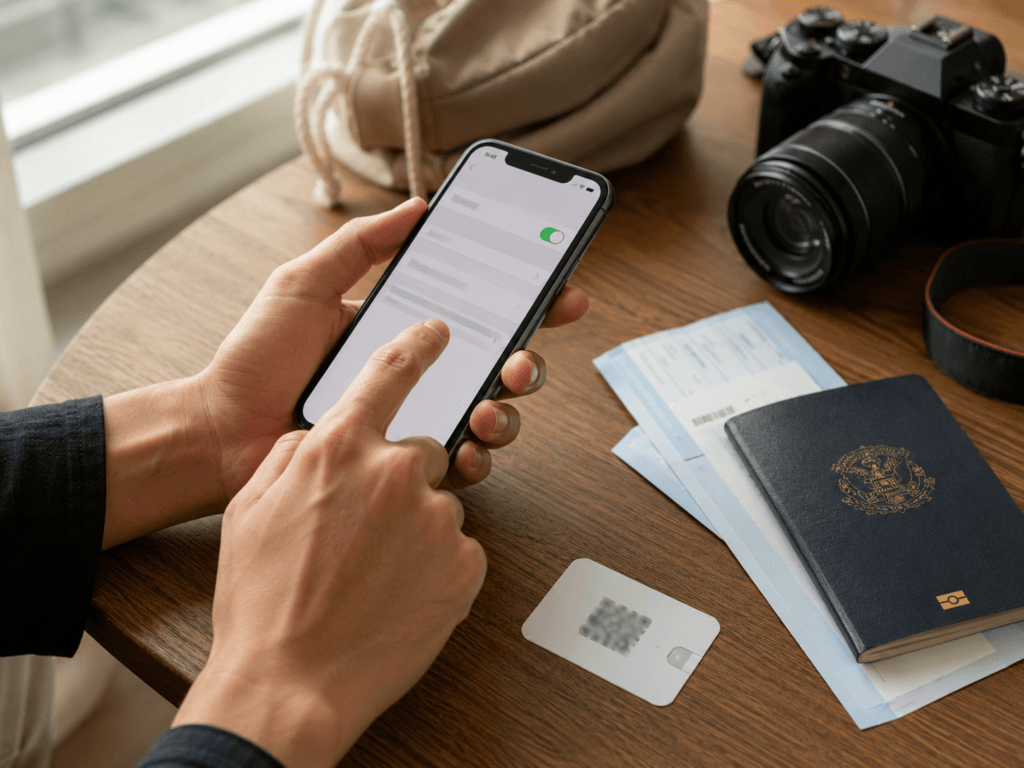
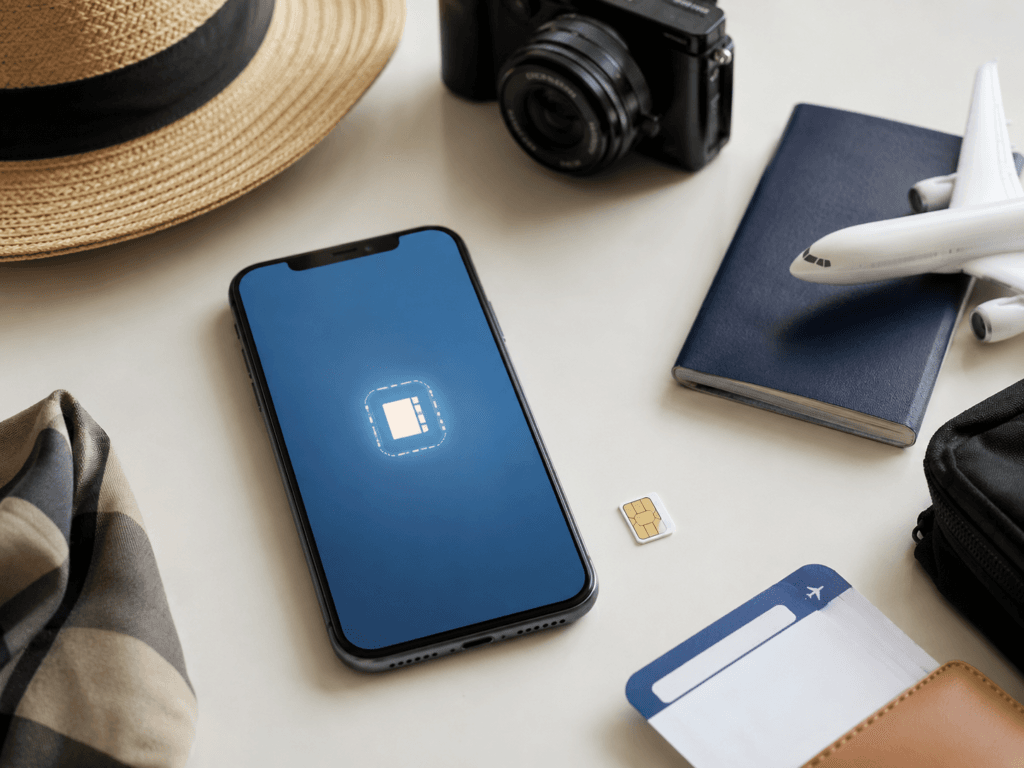
An eSIM is a digital SIM profile stored on a compatible phone. Instead of swapping a plastic card, you usually scan a QR code, download the profile, and select it as your mobile-data line.
You can often keep your home SIM active for calls or verification messages while the travel eSIM handles data. Be careful, though: leaving data roaming enabled on the wrong line is an expensive way to create a memorable arrival.
Check Your Phone Before Buying
- Confirm eSIM support. Model name alone is not always enough because regional versions can differ.
- Confirm the phone is carrier-unlocked. An eSIM-compatible but locked phone may reject another provider.
- Check active-line limits. Stored profiles and simultaneously active lines are different limits. Consult the device instructions before removing a profile.
- Read the provider’s activation rule. Installation and activation are not always the same moment.
On iPhone, go to Settings → General → About and look for EID. You can also check Carrier Lock; an unlocked iPhone should show no SIM restrictions. Apple’s current travel guidance covers compatible devices, dual-line use, and choosing the travel line for data.
On many Samsung Galaxy phones, go to Settings → Connections → SIM manager. If “Add eSIM” appears, the software supports adding a profile, although you should still confirm the exact model and carrier status.
Choose a Data Allowance, Not a Slogan
Use your phone’s recent mobile-data usage as a starting point and allow for extra navigation or uploads. Video, laptop hotspot and automatic photo backup can change the answer quickly. Keep the shared daily-use estimates in our internet guide’s data-planning section as rough planning guidance, not a promise that every traveler needs the same amount.
For a capped plan, check top-up options and the speed after the high-speed allowance is used. A slower unlimited connection may be enough for messages but frustrating for large files. Hotel WiFi can help with backup and updates.
Seven Details to Check at Checkout
- Network: which Korean carrier the plan uses.
- Validity: calendar days or exact 24-hour periods.
- Activation: installation, first network connection, or manual activation.
- Speed policy: the high-speed allowance and reduced speed afterward.
- Hotspot: supported, restricted, or blocked.
- Calls and texts: included, incoming only, recharge required, or unavailable.
- Top-up and support: what happens if the plan runs out or fails to connect.
The word “unlimited” deserves special attention. It may mean unlimited total use with a daily high-speed cap, after which the connection slows. That can still be perfectly fine for maps and messages—just less fine for uploading a cinematic 4K account of your convenience-store dinner.
When to Install and Activate It
If your chosen product delivers its profile before travel and installation does not start the paid validity period, install on reliable WiFi before departure. If it starts immediately or requires airport collection, wait until the provider tells you to proceed. Keep the QR code and instructions private; do not delete the profile casually, because reinstallation may require provider assistance or a new purchase.
Whether you should switch the line on before departure depends on the plan. Some visitor eSIMs start only when they connect to a Korean network. Others may begin when activated in an app. Follow the provider’s wording, not a generic travel-blog shortcut.
How to Set Up an eSIM
On iPhone
- Connect to reliable WiFi.
- Open Settings → Cellular/Mobile Service → Add eSIM.
- Scan the QR code or use the provider’s supported transfer method.
- Label the new line “Korea Travel.”
- On arrival, select it for mobile data and apply the provider’s roaming instruction.
- Turn off cellular-data switching if you do not want the home line used for data.
On Samsung Galaxy
- Connect to reliable WiFi.
- Open Settings → Connections → SIM manager → Add eSIM.
- Scan the carrier QR code and add the plan.
- On arrival, choose the travel eSIM for mobile data.
- Restart the phone if the provider or device instructions request it.
If It Does Not Connect in Korea
- Confirm the travel eSIM line is turned on.
- Make it the selected mobile-data line.
- Check the provider’s data-roaming instruction; many travel eSIMs require it on that line.
- Toggle airplane mode, then restart the phone.
- Check any required APN setting in the provider email.
- Take screenshots of the order number and installation instructions before leaving airport WiFi.
Do not delete the eSIM as your first troubleshooting step. That is the digital equivalent of throwing away the hotel key because the door was stiff.
Apps Worth Installing Before You Land
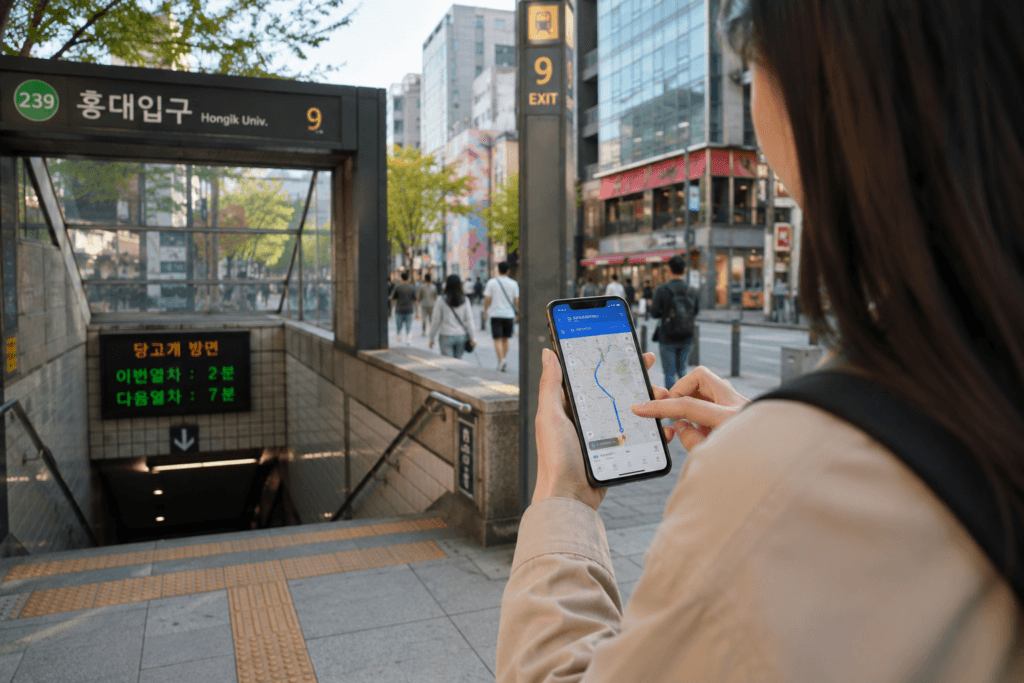
- Naver Map or KakaoMap: navigation, transit routes, exits, and local listings.
- Papago: Korean translation and image translation.
- Kakao T: taxi requests where available.
- KakaoMetro: a clear subway view for major cities.
Install and sign in before departure when possible. Read our best apps for Korea travel guide for the full setup list.
When an eSIM Is Not the Right Fit
If the exact phone version or seller does not support the plan, stop before payment. An “Add eSIM” menu alone is not a guarantee that every travel provider accepts that device. Use the physical SIM guide if your unlocked phone has a suitable tray, or compare router rental and roaming in the internet options guide. A workable alternative is better than an elegant QR code your phone refuses to use.
Frequently Asked Questions
Can I keep my normal number active?
Often yes, if the phone supports the required active lines. Choose the travel line for mobile data and review data switching on the home line. Turning off home-line data roaming does not settle voice, text or WiFi-calling charges; check those with your home carrier before leaving that line active.
Will WhatsApp, iMessage, or KakaoTalk still work?
Usually yes. These apps use data, although account changes or re-verification can affect a service. Avoid changing your registered number unless you actually intend to.
Do I need a Korean phone number?
Not for ordinary navigation, translation, or messaging. A number can be convenient for callbacks and some local queues, but a tourist number may not work for identity-verified Korean services.
Can I use hotspot?
Only if the plan allows tethering. Check the product page; do not assume every “unlimited” plan includes unlimited hotspot use.
Should I buy at the airport?
You can, and staffed counters are useful if you want help or passport verification. Buying online before departure is usually faster when your phone is compatible and the instructions are clear.
Sources and Product Checks
- SK Telecom visitor eSIM and roaming center
- KT Korea eSIM, SIM, and WiFi visitor site
- LG U+: carrier-operated visitor eSIM details
- Apple: using eSIM while traveling internationally
- Samsung: adding an eSIM on Galaxy devices
Final Verdict
For a compatible unlocked phone and ordinary map, translation and messaging use, a suitable data eSIM can be straightforward. Match the installation and start date to the actual terms, then test the connection before leaving airport WiFi. Buy calling features only when you need them; do not buy a resident-verification promise a visitor plan cannot provide.
Choose a local-carrier visitor eSIM when a Korean phone number matters. Choose a regional plan only when the rest of your itinerary justifies it. And before paying, check activation, hotspot, speed limits, and voice/SMS conditions—the four details most likely to turn a bargain into a tiny digital headache.
Review scope: practical visitor and device guidance was checked against the linked tourism, carrier or manufacturer material on October 5, 2026. Prices, stock and checkout availability are not guaranteed. Follow the seller’s current terms for your exact package; this is not a hands-on product review.